
Remove Backgrounds
in Seconds
Transform any photo with AI precision. No manual editing required — just upload and watch the magic happen.
Drop your image here
or click to browse from your device
AI Background Remover Examples
Real before/after pairs — see how the AI background remover handles hair, products, and complex edges.
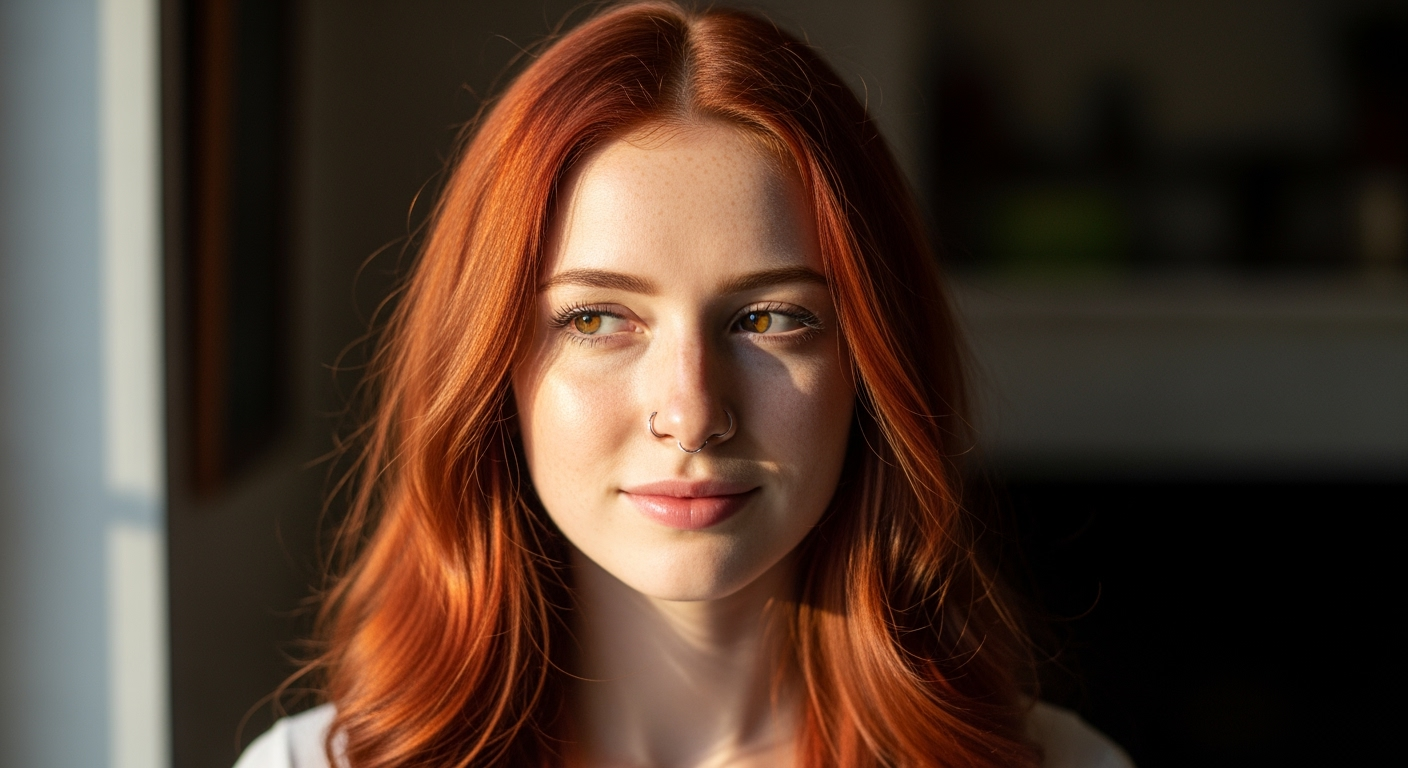 Before
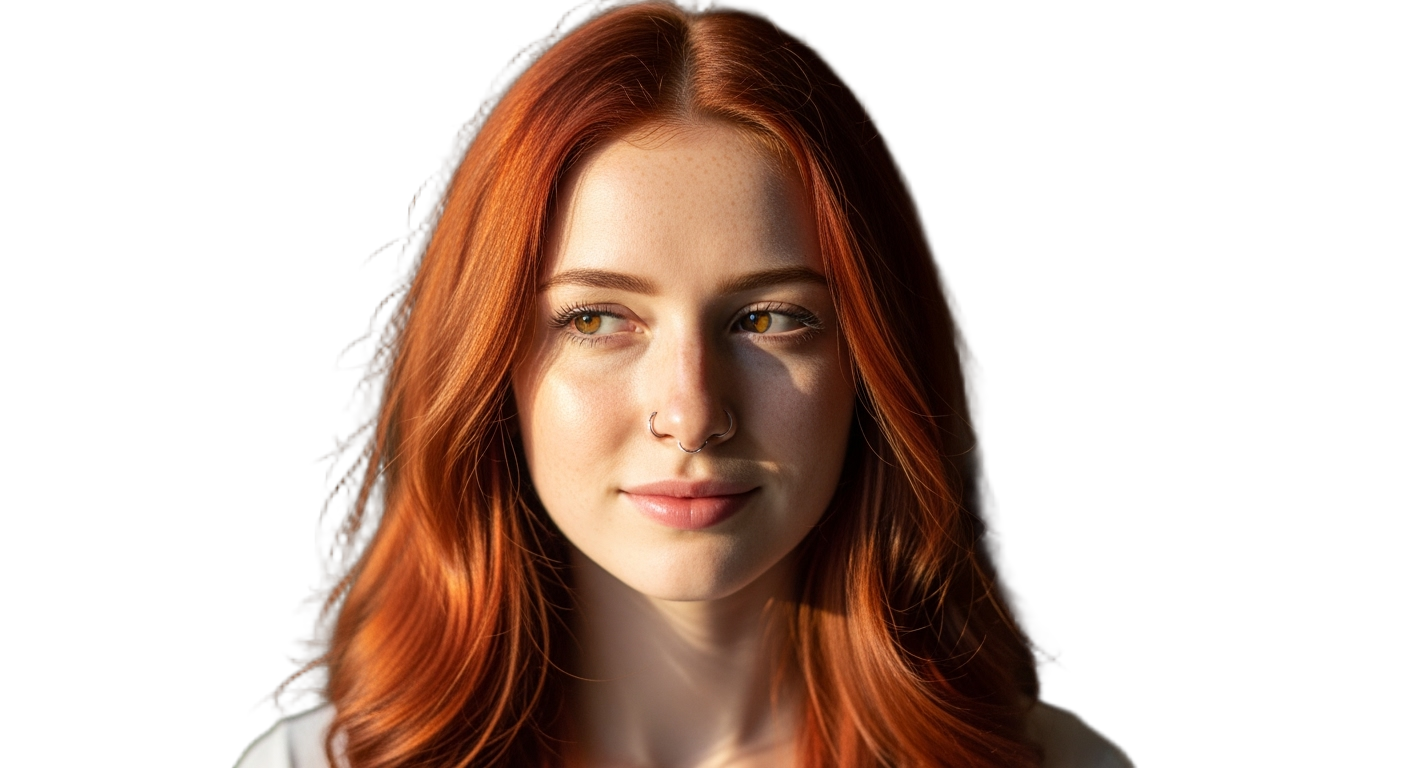 After
After Before
 After
After Before
 After
AfterAI Background Remover — Cut Out Any Subject in Seconds
Our AI background remover turns a single upload into a clean, transparent cutout. It detects the subject, traces fine edges like hair and fur, and erases everything behind it — no manual masking, no magic-wand clicking, no green screen. Use the background remover AI for product shots, portraits, logos, and social posts, then drop the result straight into your image-to-image workflow.
- Remove background from image in one click — the AI background remover handles hair, fur, and semi-transparent edges that defeat manual tools.
- Export a transparent PNG ready for compositing, or pair the cutout with an image-to-image model to relight, restyle, or place it on a new scene.
- Runs in the browser, on mobile, and at scale — no Photoshop install, no plugin, no credit card to start.
Why Use the AI Background Remover
Matting-grade edges, transparent PNG export, and a cutout that drops straight into your image-to-image workflow — the reasons creators reach for this background remover AI.
Crisp Edges on Hair and Fur
The AI background remover uses matting-grade segmentation, so flyaway strands, soft fur, and translucent veils stay intact instead of being carved away with the background.
Transparent PNG Export
Every cutout from the AI background remover downloads as a clean, high-resolution transparent PNG. Drop it onto any backdrop, slide it into a layout, or feed it into an image-to-image model without re-editing.
Works on Any Subject
People, products, animals, vehicles, logos — the background remover AI has been trained across millions of images, so it locks onto the foreground subject regardless of category.
Batch-Friendly and Fast
Each image processes in seconds. Run the AI background remover on a single hero shot or zip through a catalog — no queue, no per-image wait that kills your editing flow.
No Sign-Up to Try
Upload an image and remove the background before you create an account. Free credits cover your first cutouts, and paid plans kick in only when you scale.
Pairs With Image-to-Image
The cutout flows straight into our image-to-image playground — swap the background, change the lighting, or restyle the subject without leaving the AI background remover.
How to Use the AI Background Remover
From an upload to a transparent cutout in three steps — upload, remove the background, download or keep editing.
Upload Your Image
Drop in a JPG, PNG, or WEBP up to 20MB. The AI background remover accepts any resolution and auto-detects whether the subject is a person, product, animal, or object — no manual selection required before the AI background remover runs.
Let the AI Remove the Background
Click once and the AI background remover segments the subject, refines the edge matte, and erases everything behind it — including tricky hair, fur, and translucent areas that defeat ordinary tools.
Download or Continue Editing
Grab the transparent PNG, or send the cutout into the image-to-image playground to relight, restyle, or composite it onto a new background in a single pass.
AI Background Remover FAQ
Remove a Background in One Click
Upload an image and let the AI background remover produce a clean, transparent cutout in seconds. Try it free — no credit card, no install, no signup to start.