
Translate Text in Images with AI
Upload a sign, menu, poster or screenshot, name the target language, and every visible word is rewritten natively in place — layout, colors and artwork untouched.
Upload a picture with text in any language
Click to browse or drag & drop — the crop tool opens automatically
Translate Text in an Image — Signs, Menus and Posters, Rewritten Natively
Travelers photograph a menu they cannot read. Marketers need a poster in a dozen markets by Friday. Both need the words inside the picture changed to another language — not pasted underneath as a caption. Upload the image here, name the target language, and GPT Image 2 translates the text in the image natively: the new wording is drawn straight into the scene, fitted to the spot where the old words sat, and everything that is not text stays exactly as it was. The result reads as if the picture had originally been produced in that language.
- Translates text in an image directly in place — signs, menus, posters, packaging, book covers and screenshots come back written in your target language.
- The layout holds: translated wording is sized to fit its original spot, and the photo, artwork and composition around it are left untouched.
- Leave the text field blank to translate every visible string at once, or name a single phrase to translate only that.
Translate text in an image — before & after example
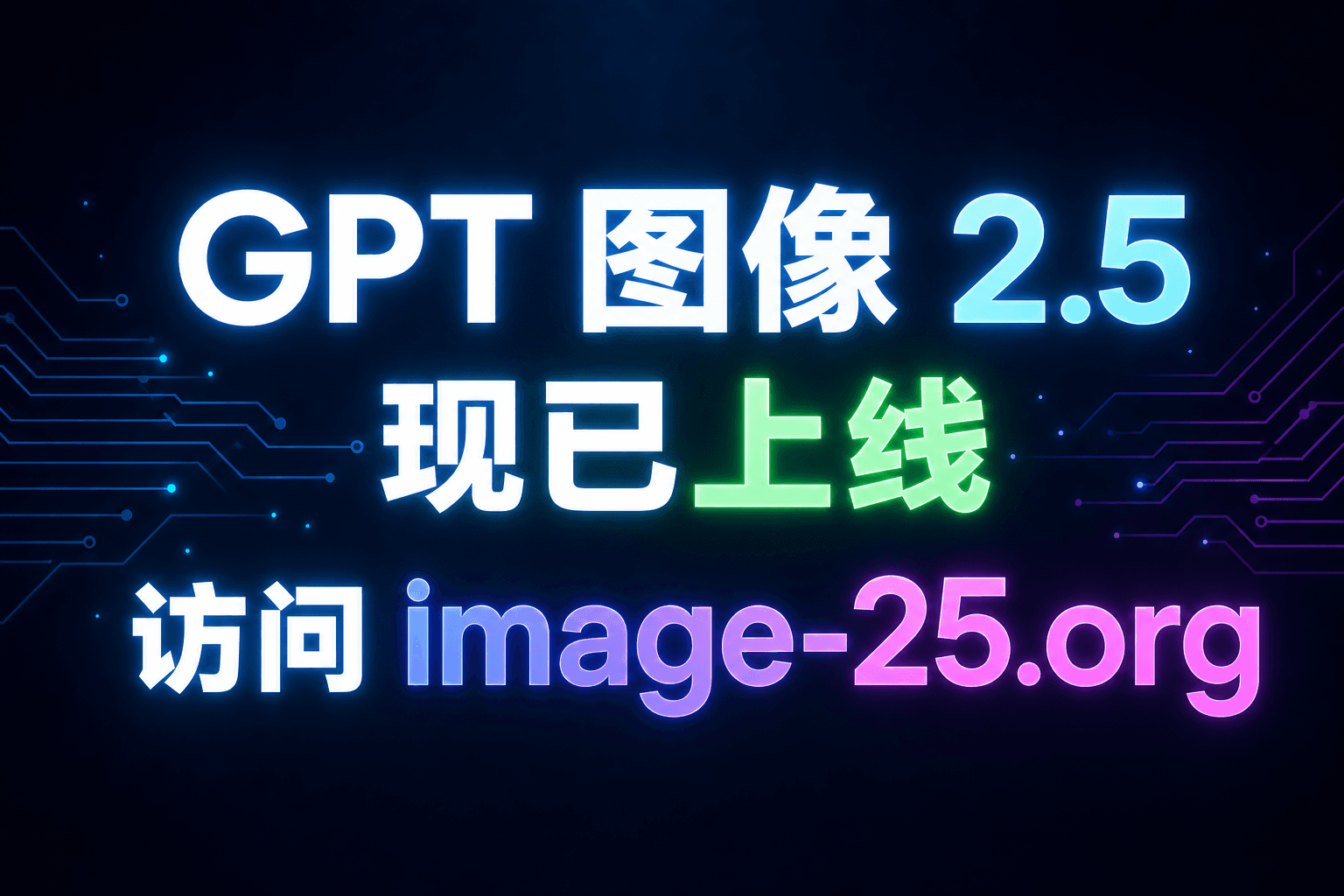
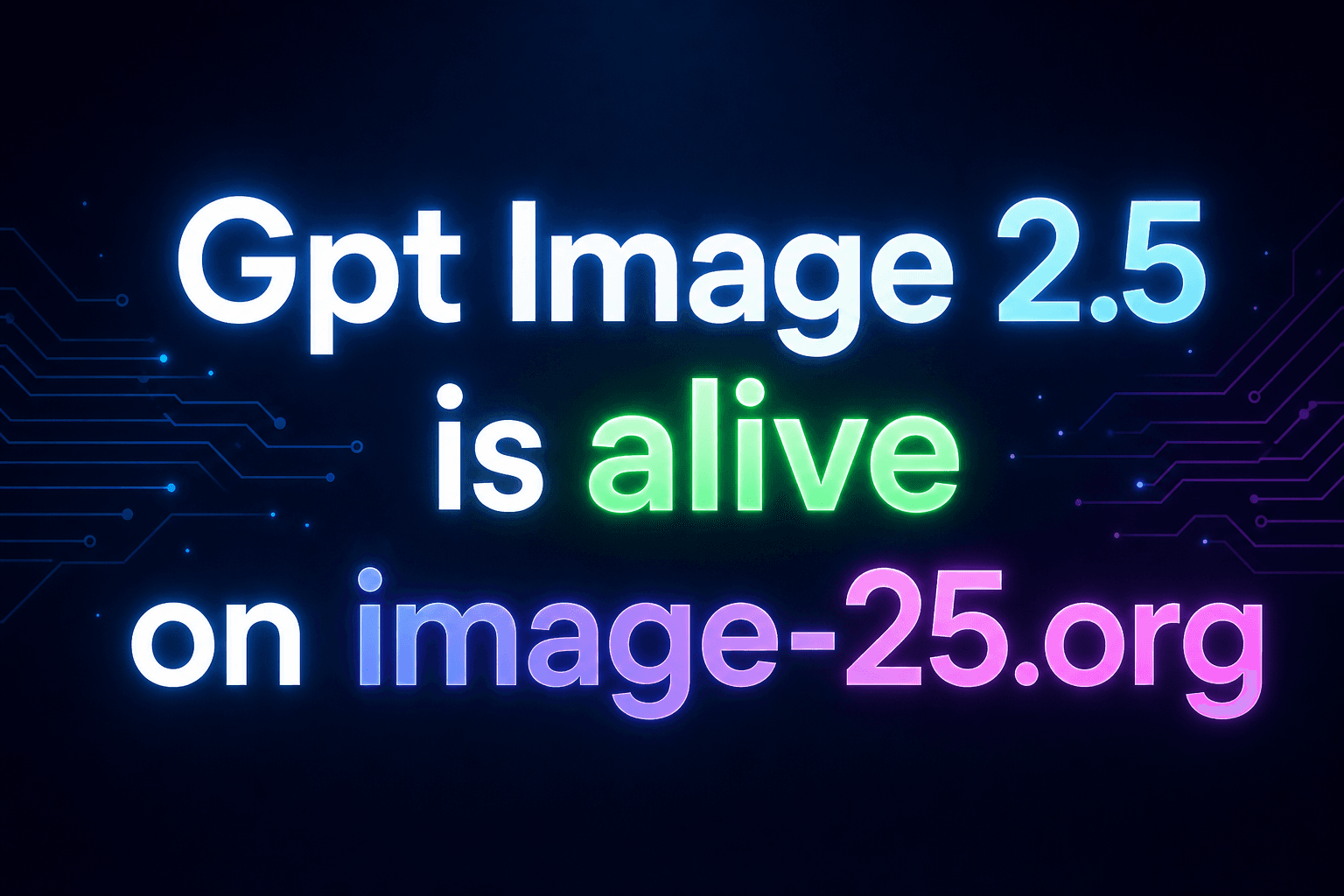
Drag the slider. The translated text keeps the original font, color and position — as if the picture were designed in the target language.
A Proper Image Translator, Not an Overlay
Machine translation handles the words; this tool handles the picture. Together they let you translate text in an image without wrecking the design.
Native Rendering, Not Captions
The translated words are rendered into the scene itself — same weight, same color, same surface as the original lettering. Nothing floats above the picture in a subtitle strip. When you translate text in an image this way, the output works as a finished asset, not a reading aid.
Layout-Aware Fitting
German compounds run long, Thai runs short, and a sign written for one language rarely has room for a literal rendering of another. The model fits its translation to the container — tightening spacing, wrapping lines, scaling slightly — so menus and labels keep their shape after the swap.
Whole-Image or Single-Phrase Mode
Two ways to aim. Leave the original-text field empty and every visible string in the picture gets translated in one pass. Or type one phrase — 'only this sign' — and the rest of the image keeps its original language, useful when a brand name should stay put.
Brand and Name Protection
Some words should survive translation: company names, product lines, people. A single instruction in the notes — 'keep Casa Pepe in Spanish' — pins them in place while everything around them switches languages.
Wide Script Coverage
Latin and Cyrillic alphabets, Chinese and Japanese characters, Korean hangul, Arabic script, Devanagari and more are all renderable, so an image translation job rarely dead-ends on a writing system the model cannot draw.
Cropping for Dense Pages
A photographed menu with forty dishes is a lot of small strings in one frame. Crop to a section before generating and each translation pass gets more pixels per line — the simplest accuracy upgrade for dense text in images.
How to Translate Text in an Image
From one language to another in three steps.
Upload the Picture
Any JPG, PNG or WEBP up to 24MB — a photographed sign, a menu page, a poster scan, an app screenshot. For crowded layouts, crop to the section you care about first.
Pick the Target Language
Type the language you want in the replacement field, e.g. 'Japanese'. Optionally name the one phrase to translate, and add notes for anything that must stay in the original language.
Generate and Read
The wording is rewritten natively in place within seconds. Review the fit, download the translated image, or run another pass on a different section or language.
Translating Text in Images — FAQ
Translate the Picture, Keep the Design
Upload a sign, menu or poster, name the target language, and GPT Image 2 rewrites the wording natively in place. Free credits to start.