
Remove Text from Images
with AI
The best AI image text remover that automatically detects and erases text from photos while intelligently reconstructing the background. No manual masking required.
Drop your image here
Upload an image to remove text from it instantly
AI Image Text Remover Examples
See how the AI image text remover erases captions, watermarks, and date stamps while the background is rebuilt naturally.
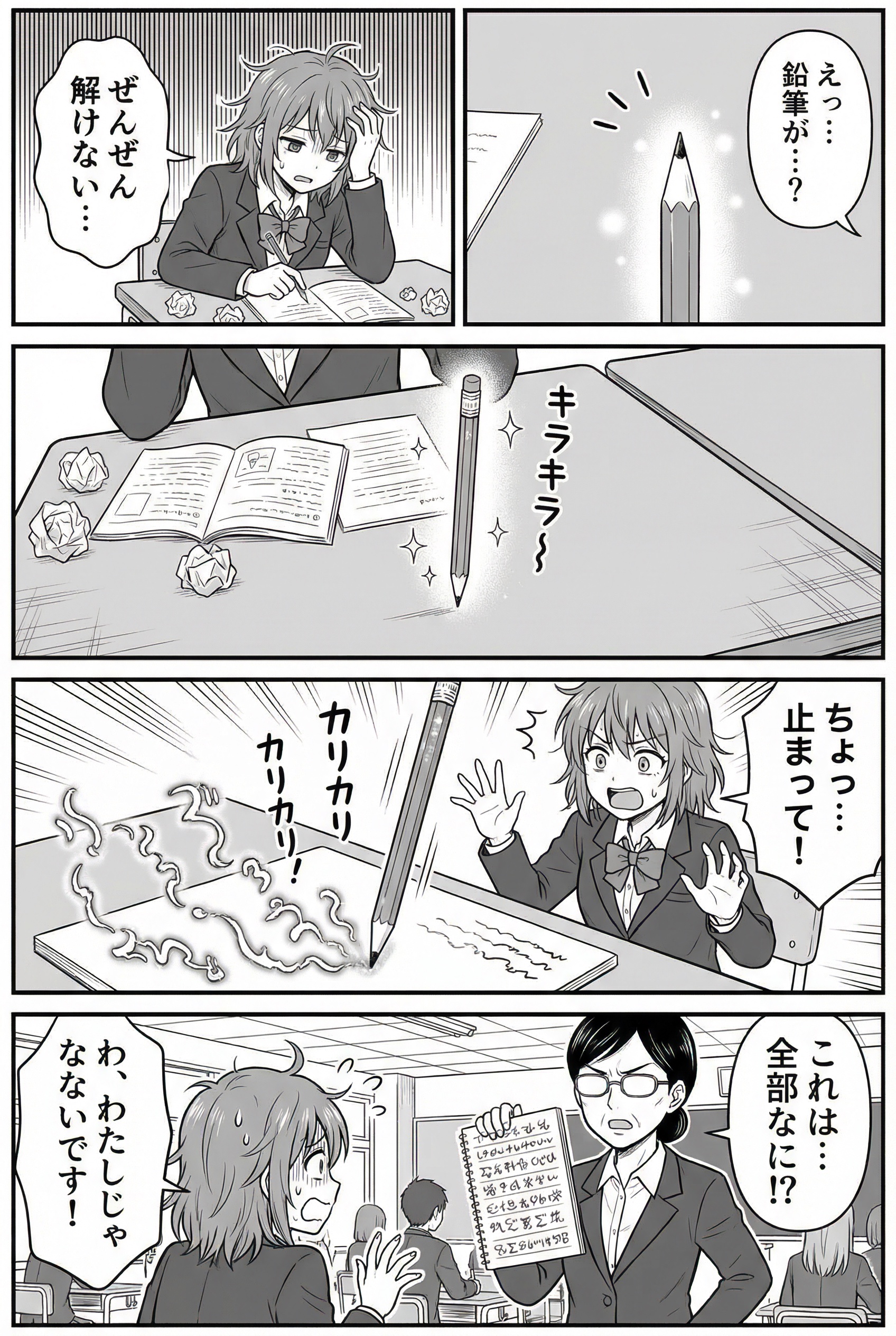 Before
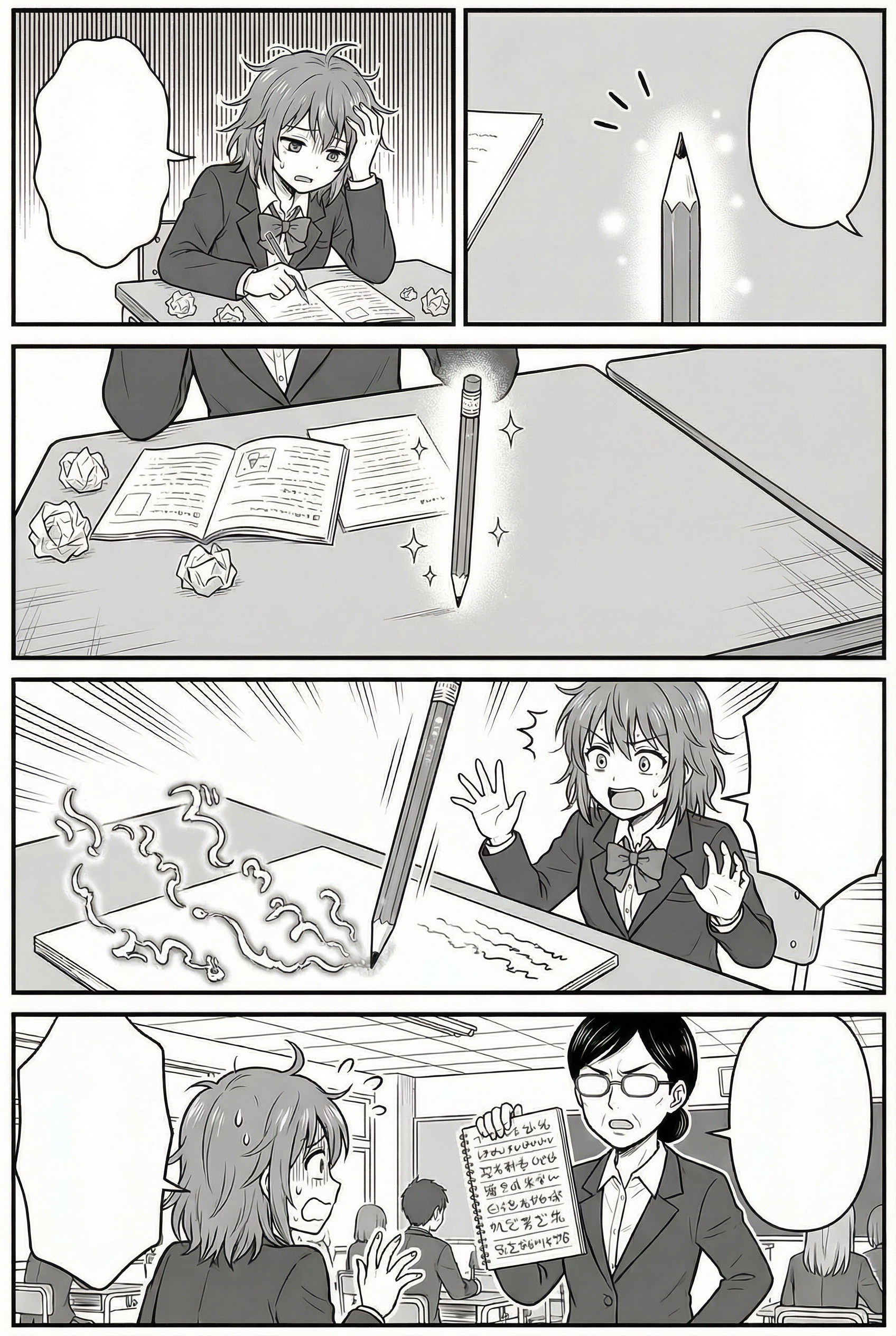 After
After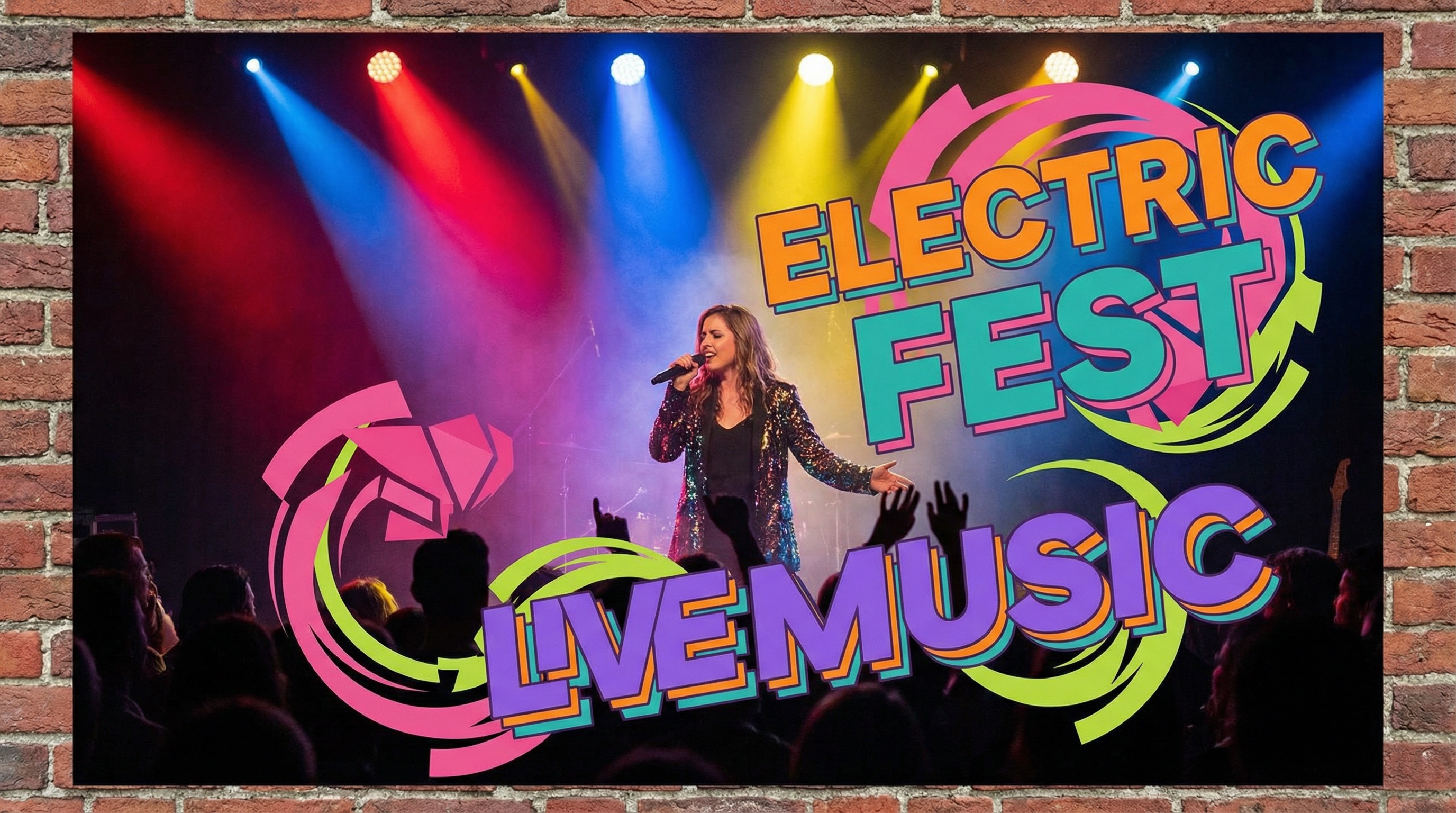 Before
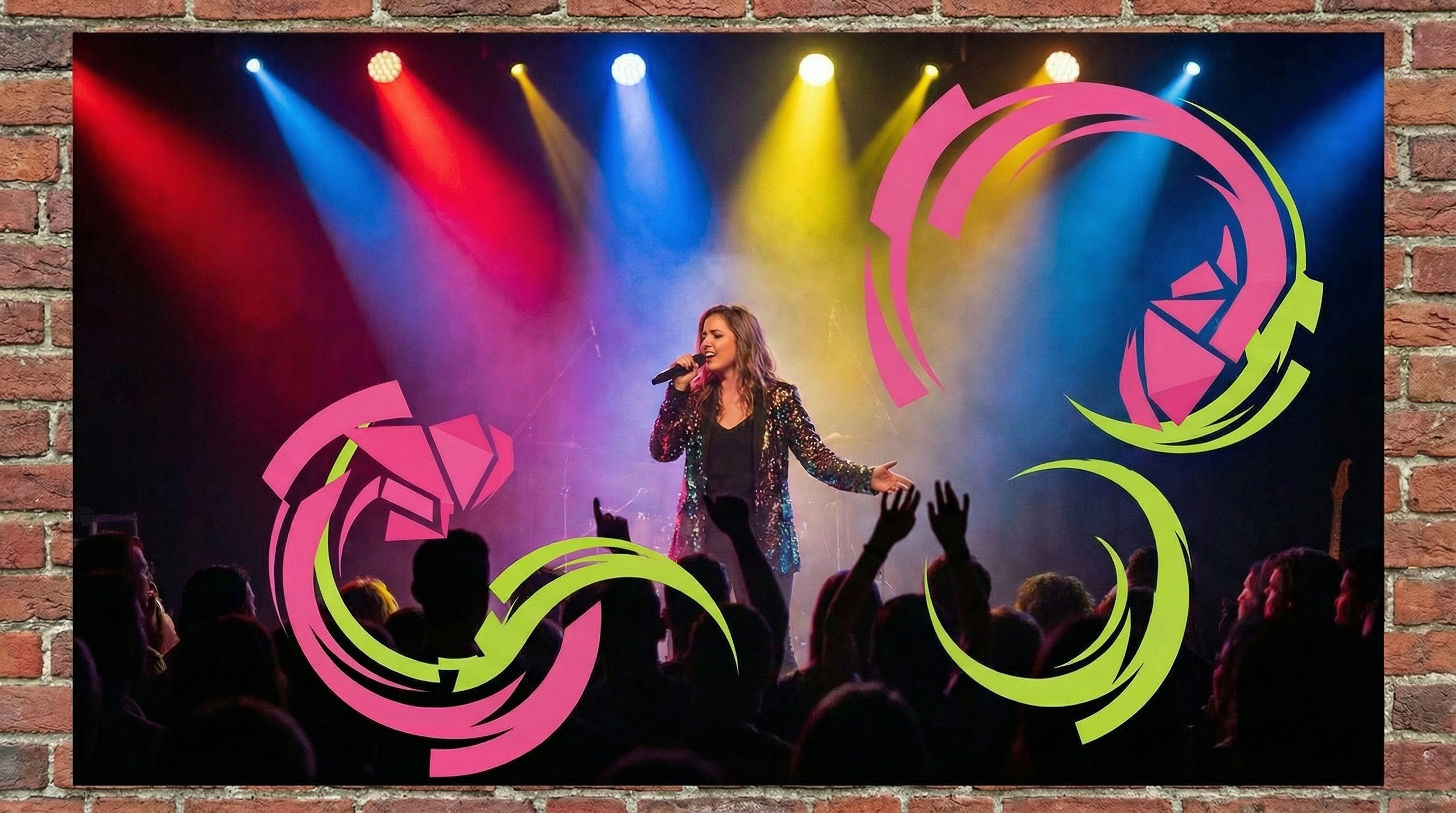 After
After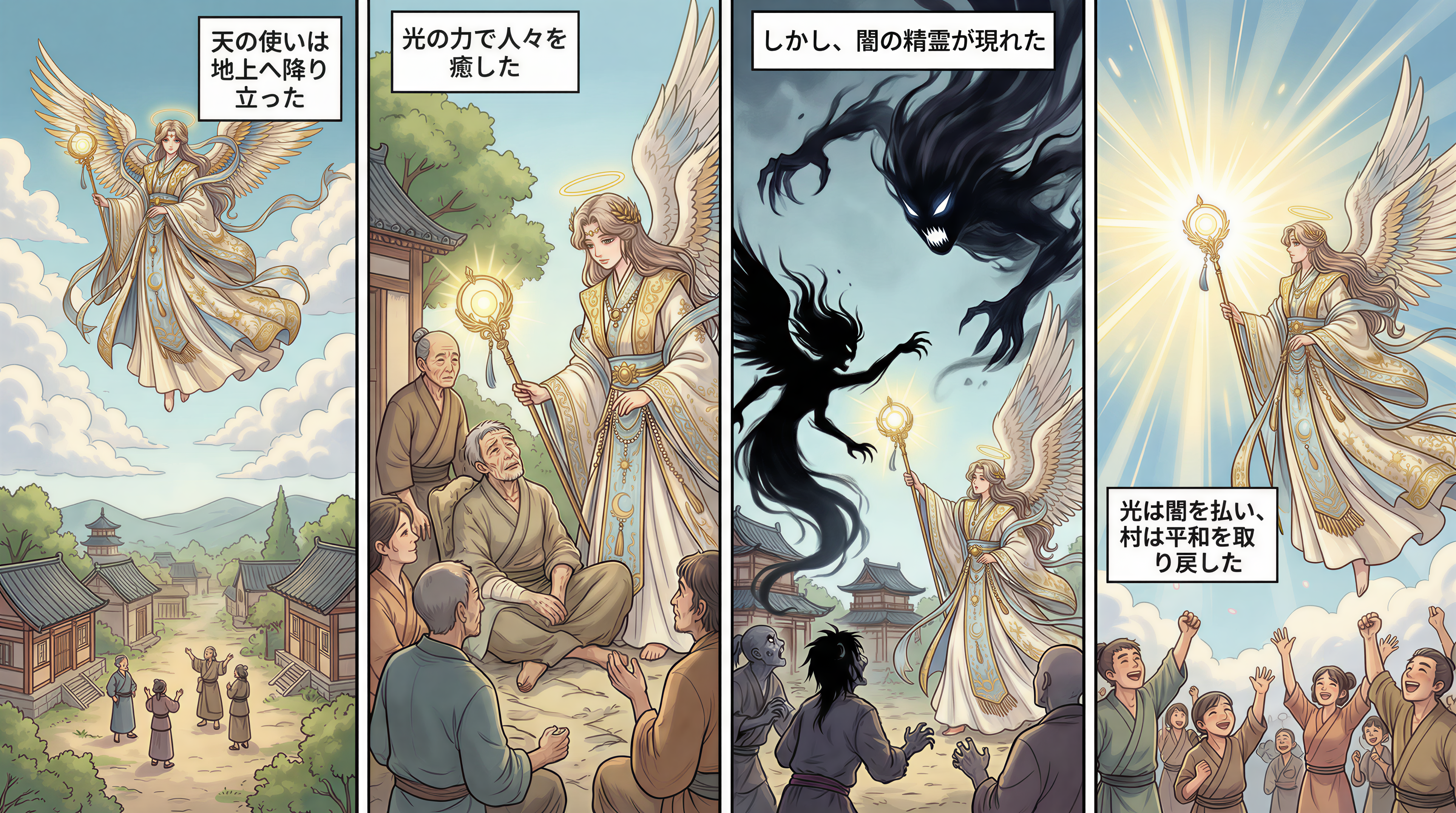 Before
 After
After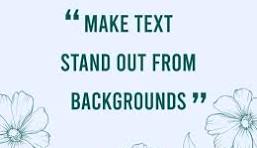 Before
 After
AfterThe AI Image Text Remover That Leaves No Trace
Captions, watermarks, date stamps, and on-image labels clutter an otherwise good photo. The AI image text remover detects every letter, erases it, and rebuilds the pixels underneath so the edited area looks natural — not blurred, not patched, not obviously retouched. It is the fastest way to turn a tagged or watermarked image into a clean, reusable asset inside your existing image-to-image workflow.
- Erase text from a photo in one pass — the AI image text remover handles captions, stickers, logos, and watermark text without manual brushing.
- Background is rebuilt with matching textures, gradients, and lighting, so the cleaned area blends in instead of looking smudged.
- Works inside your image-to-image pipeline: clean the source first, then restyle, upscale, or animate it without leftover artifacts.
Why Use the AI Image Text Remover
OCR-aware detection, natural background rebuild, and export at full resolution — the reasons creators reach for the AI image text remover before any other edit.
Detects Every Letter
The AI image text remover is OCR-aware, so it locks onto individual glyphs rather than guessing at blocks. That means small captions, fine print, overlaid subtitles, and stylized logos-on-text all come out in one pass with fewer touch-ups.
Background Rebuilt Naturally
Where the text used to sit, the model reconstructs plausible pixels — skin tone, fabric weave, sky gradient, product surface — that match the surrounding region. The result reads as a clean original, not a blur or a patch.
Erases Watermarks and Stamps
Date stamps from cameras, stock-photo watermarks, and screenshot overlays disappear cleanly. You are responsible for ensuring you have the rights to edit the source image before you remove text from it.
No Quality Loss on Export
The AI image text remover preserves original resolution and color profile. Download the cleaned image as PNG or JPEG at the same dimensions you uploaded — ready for e-commerce listings, ad creative, or further image-to-image edits.
Fast, Single-Click Workflow
Upload, generate, download. Most images finish in seconds, and there is no manual masking step. Iterating on a stubborn caption is as simple as re-running the remover on the same file.
Built for the Image-to-Image Stack
Clean the text off a source still, then feed that cleaned still into any image-to-image model on imagetoimageai.io. Removing text first means restyle, upscale, and restore passes no longer fight with overlaid letters.
How to Remove Text From an Image
Upload, let the AI erase the text, download — the AI image text remover finishes most images in seconds.
Upload the Image
Drop in a JPG, PNG, or WEBP containing the text you want gone. Higher-resolution inputs let the AI image text remover rebuild fine textures more convincingly, so export the cleanest source you have.
Let the AI Erase the Text
Click generate. The AI image text remover detects the text region, removes every letter, and fills the gap with pixels that match the surrounding background — skin, fabric, sky, or product surface.
Download the Clean Image
Preview the result. If a letter survives, re-run on the same file. When the image is clean, download it at full resolution and ship it — or feed it straight into your next image-to-image edit.
AI Image Text Remover FAQ
Remove Text From Your Image — Free
Upload a photo and let the AI image text remover erase captions, watermarks, and date stamps while rebuilding the background naturally. Start with free credits today.