
Restore Your Old Photos
with AI
Automatically repair scratches, remove stains, restore faded colors, and enhance vintage photographs with our AI photo restoration tool. Professional quality in seconds.
Upload your old photo
Upload a vintage photograph to restore and enhance it
Old Photo Restoration Examples
Real before-and-after pairs from our old photo restoration tool — scratches, fading, and blur repaired in a single AI pass.
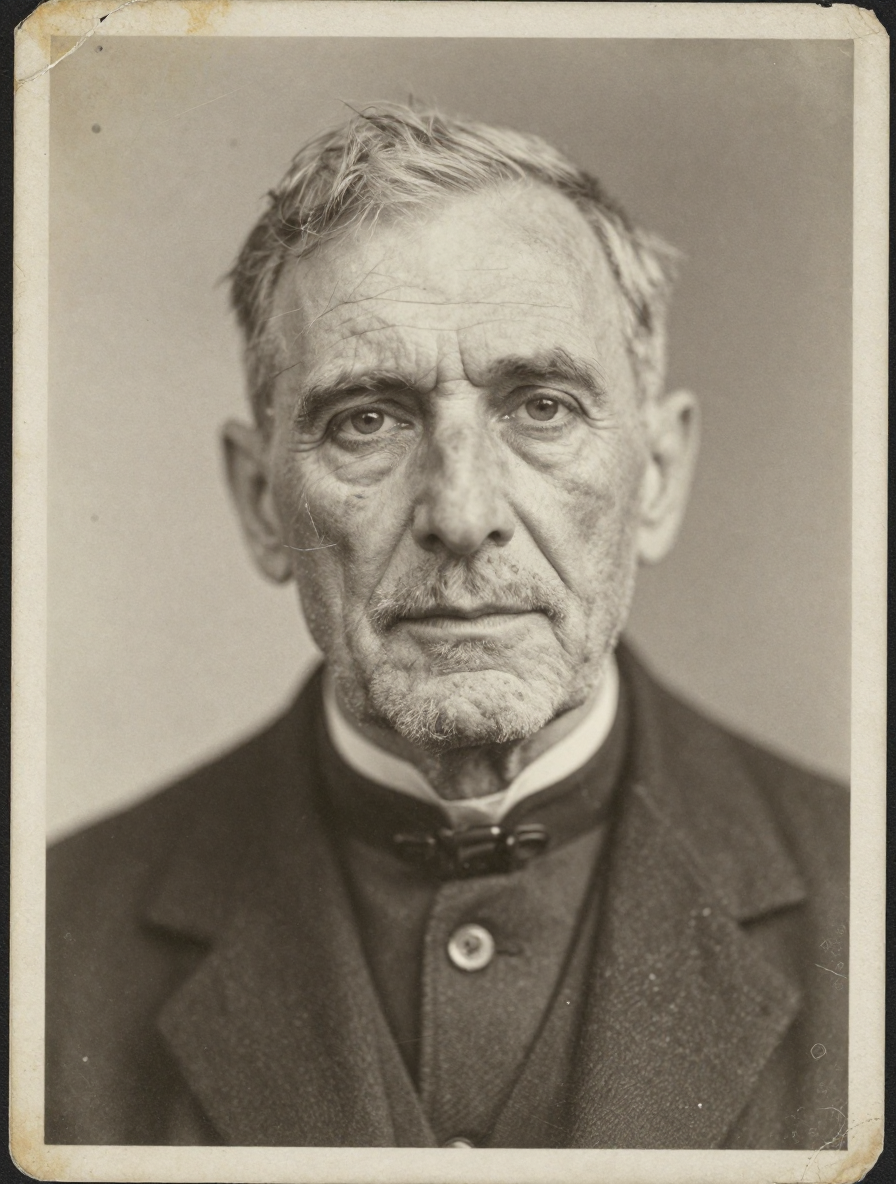 Before
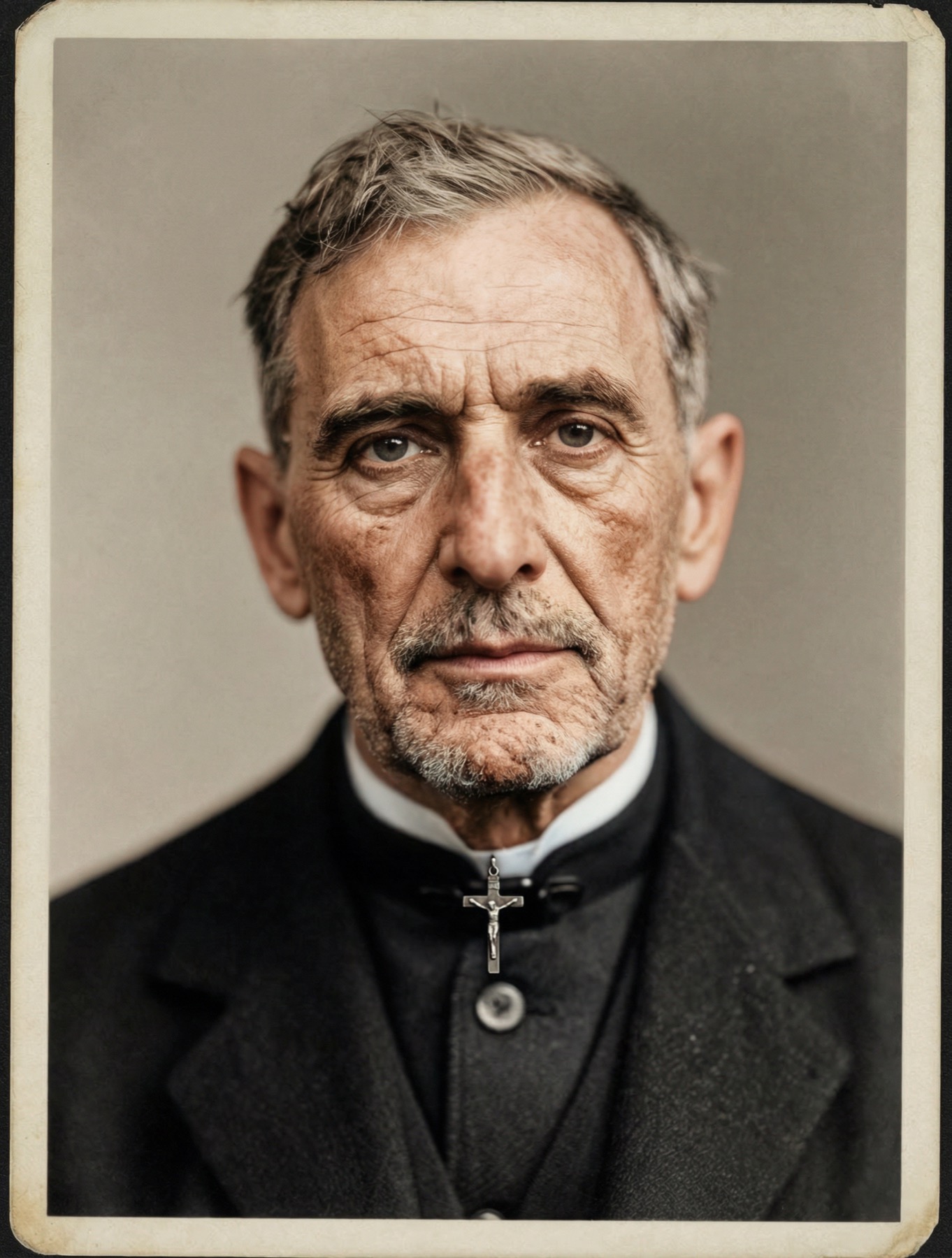 After
After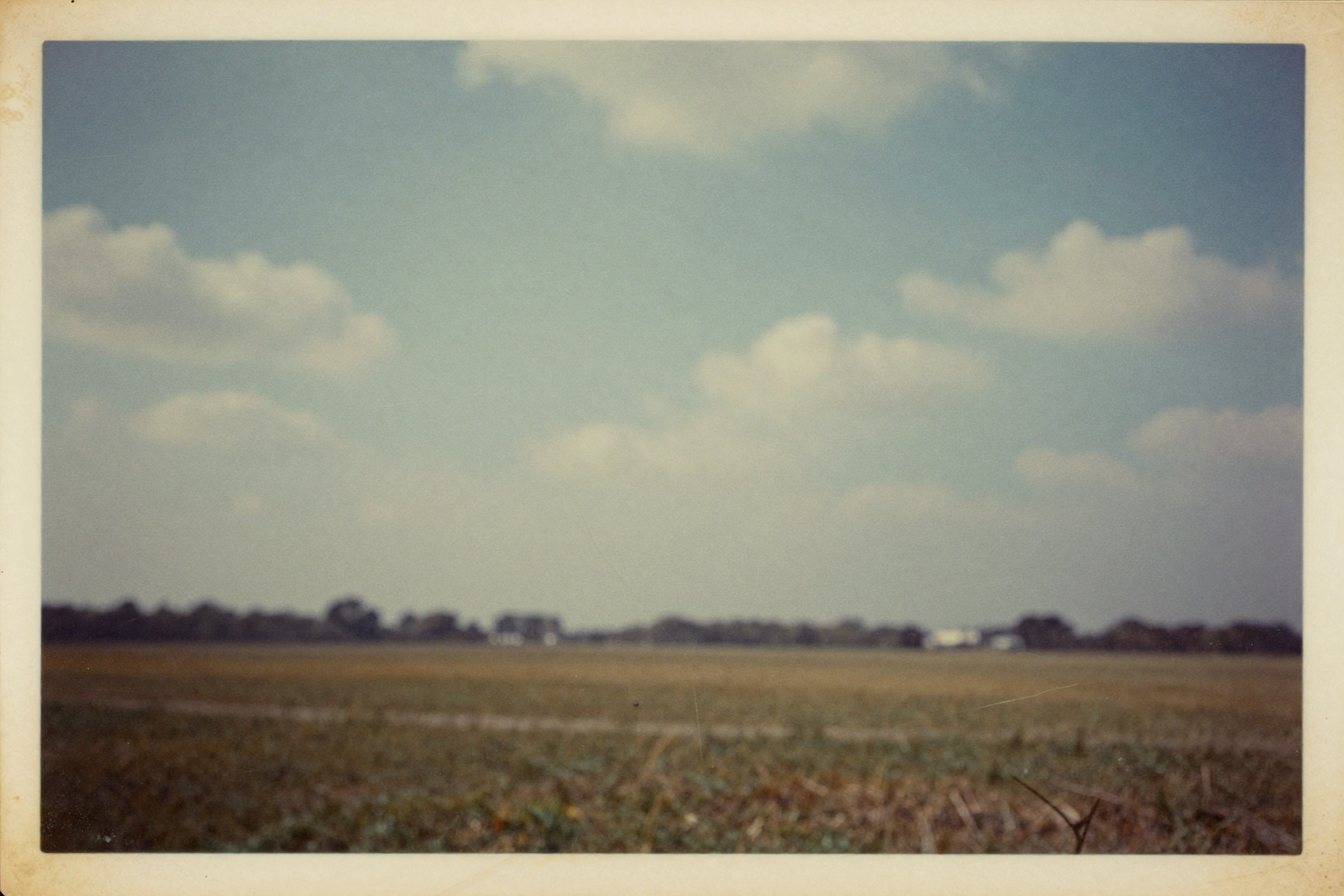 Before
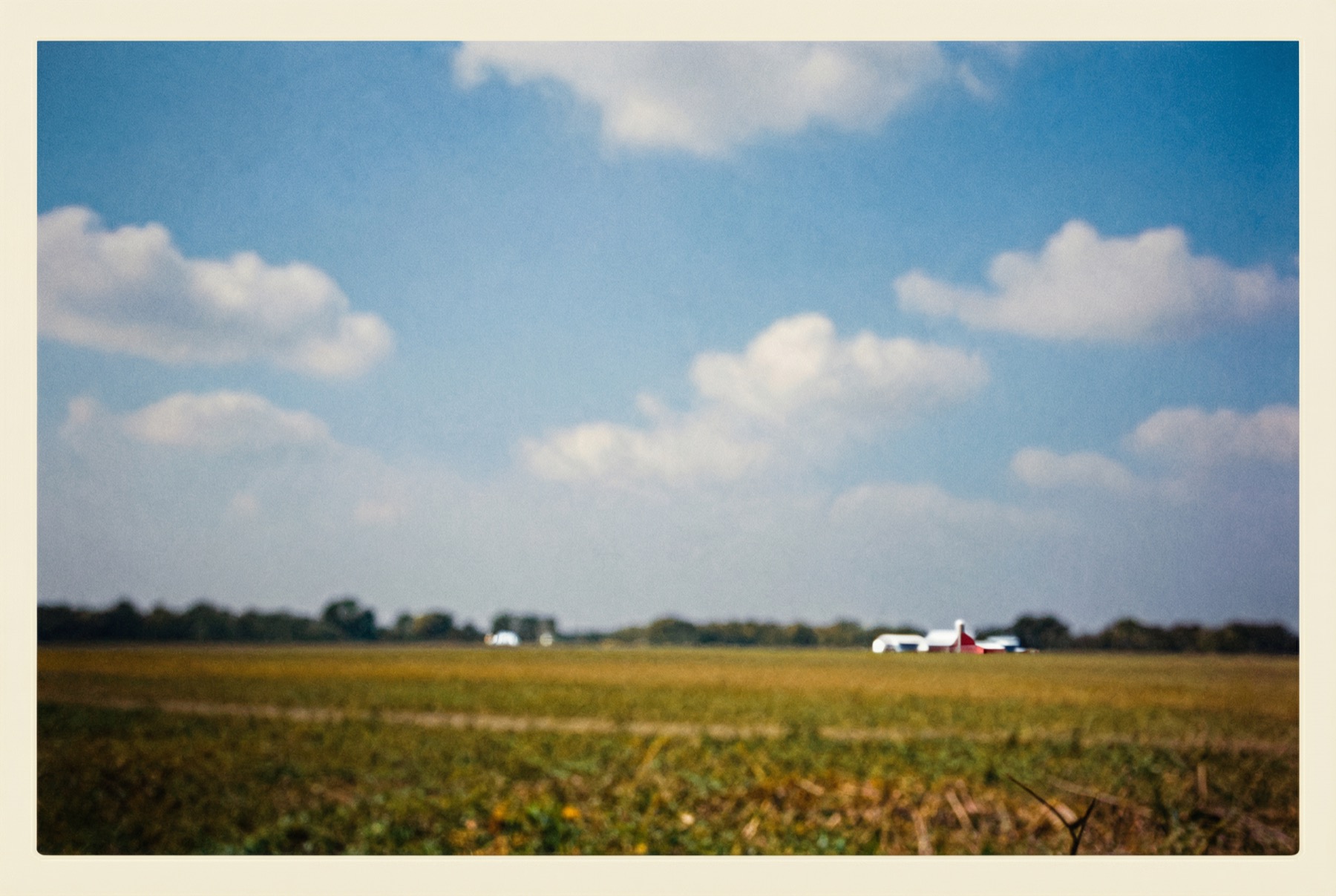 After
After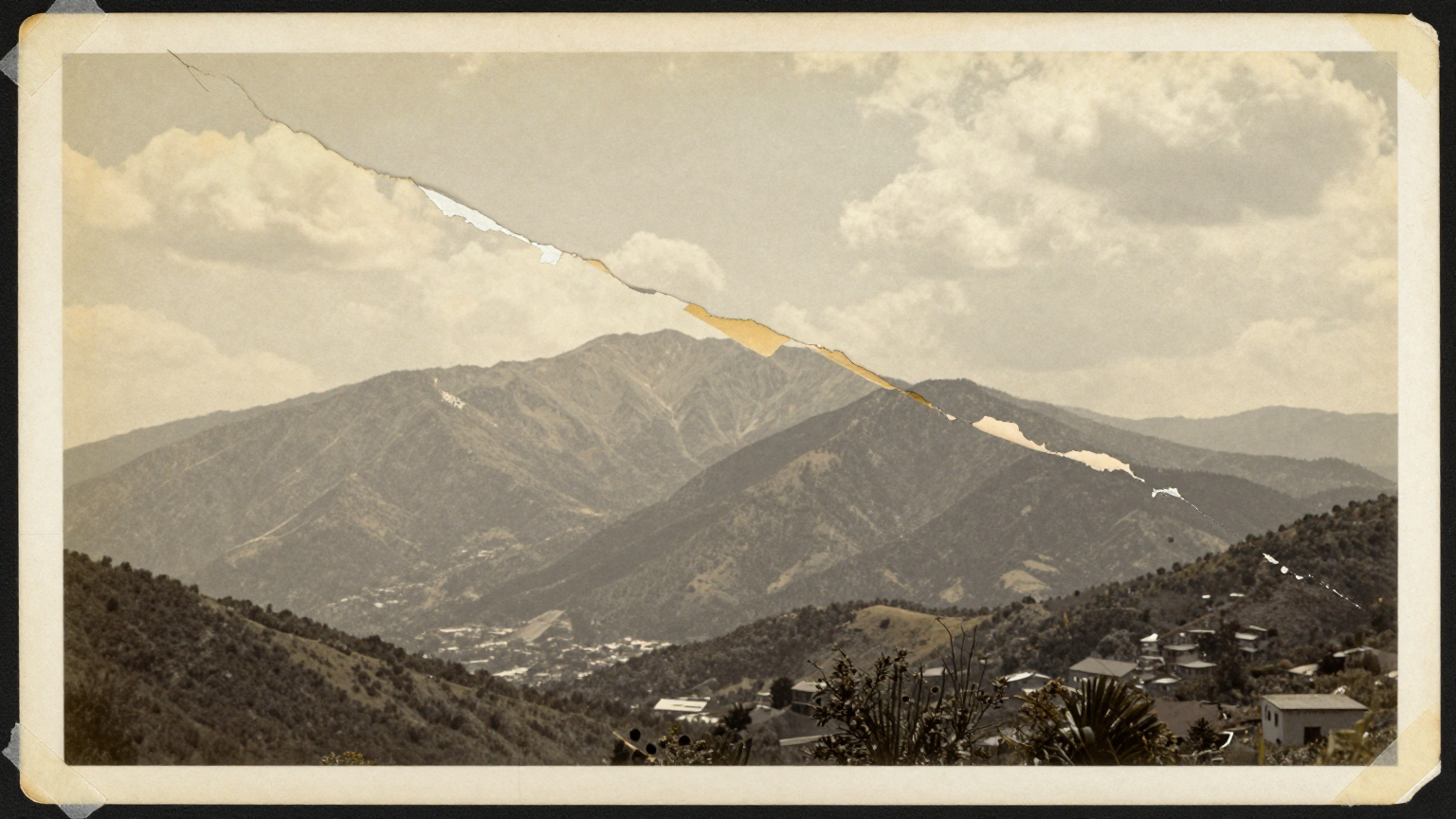 Before
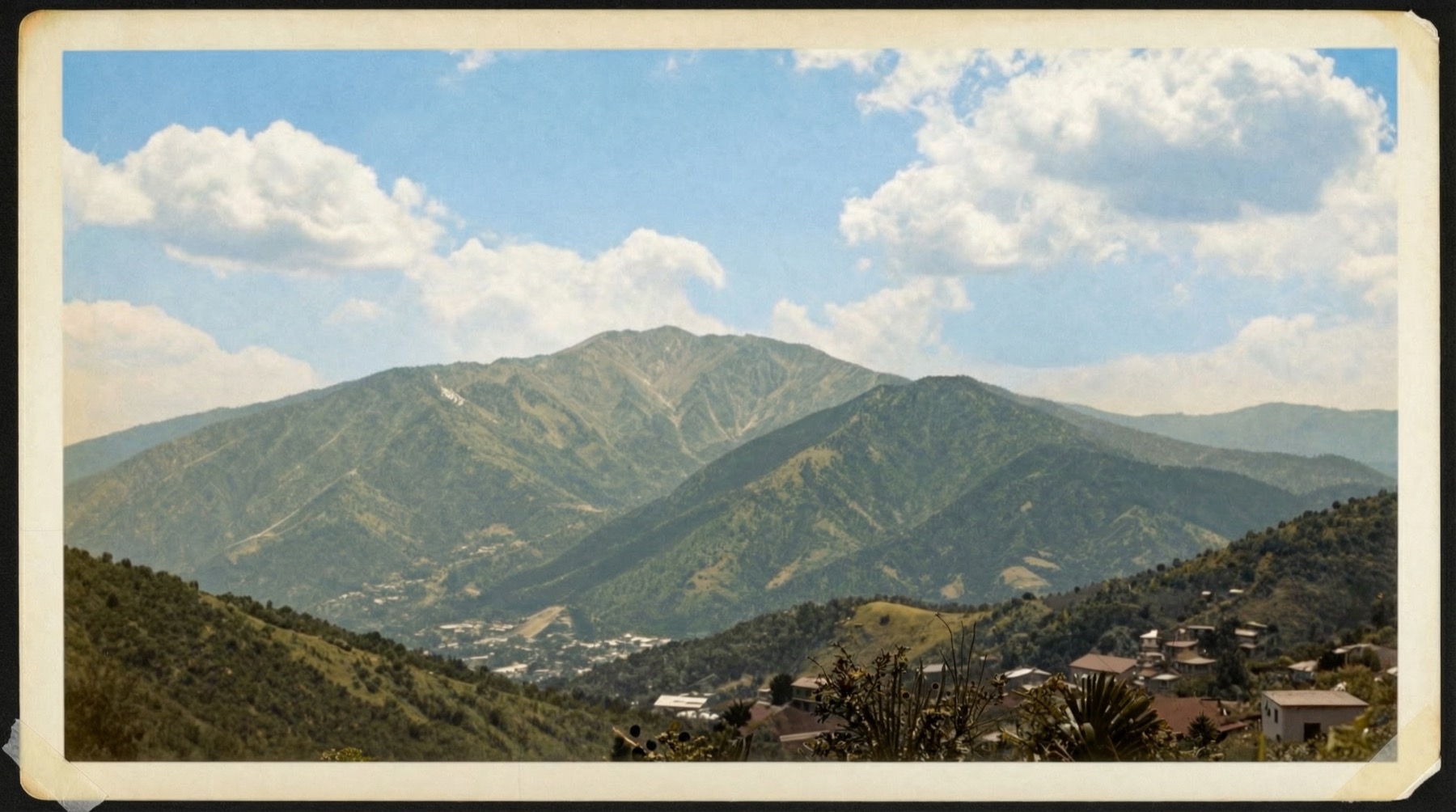 After
After Before
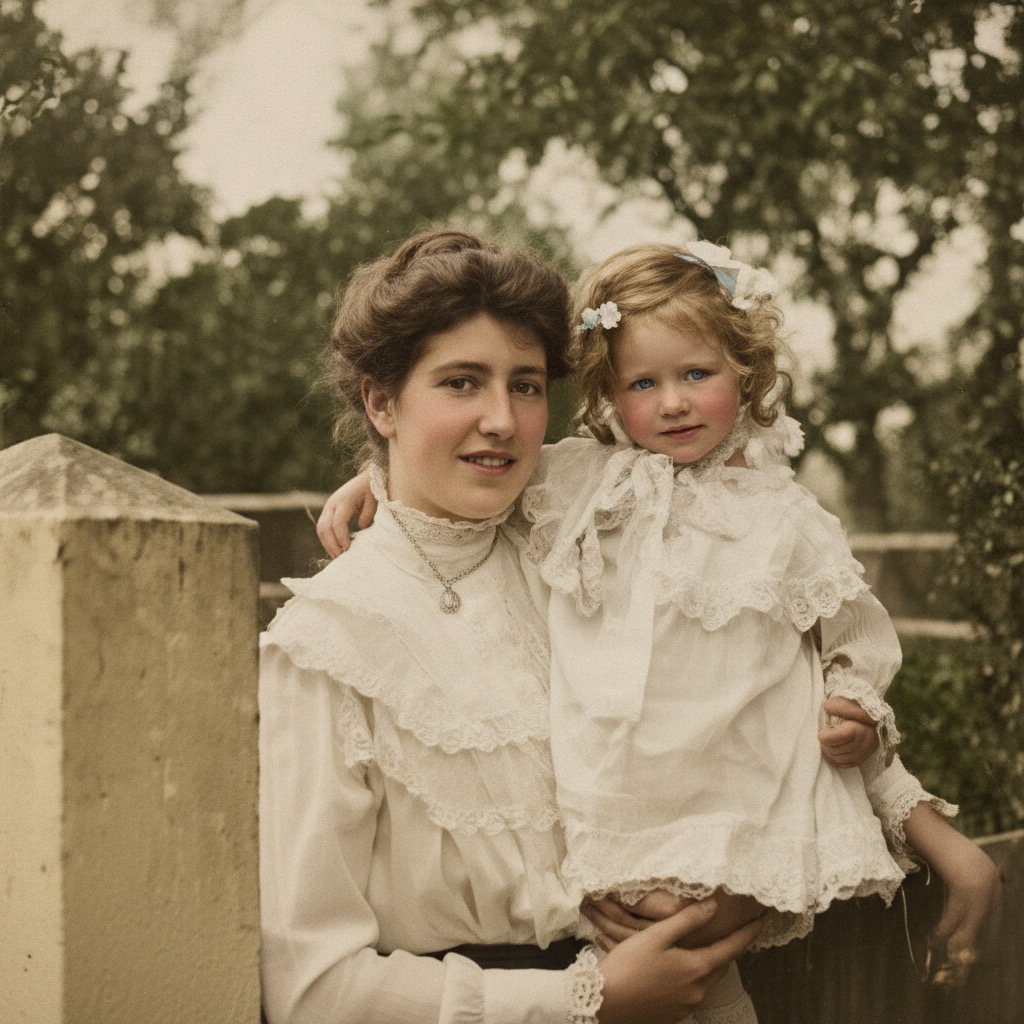 After
AfterOld Photo Restoration That Brings Damaged Photos Back to Life
Old photo restoration used to mean hours of manual cloning, healing, and color correction in desktop editors. Our AI old photo restoration tool does it in a single pass — upload a scratched, faded, or torn image and get back a clean, sharp, restored photo in seconds. It repairs physical damage, recovers lost detail, and revives archival prints that conventional filters cannot fix.
- One photo in, one restored photo out — handles scratches, tears, dust, fading, and blur in a single pass.
- Trained on millions of damaged-to-clean image pairs, so it reconstructs missing detail instead of just blurring over it.
- Works on black-and-white, sepia, and color prints — restore old photos from any era without manual retouching.
Why Use AI Old Photo Restoration
Scratch repair, fade correction, face sharpening, and clean upscaling — the reasons creators and families reach for our old photo restoration tool.
Repairs Scratches and Tears
The restoration model detects scratches, cracks, and torn regions, then reconstructs the missing pixels from surrounding context. The kind of physical damage that once required a retoucher now clears automatically.
Reverses Fading and Color Shift
Decades of light exposure yellow and wash out prints. Our photo restoration AI restores lost contrast, corrects color cast, and brings faded tones back to their original depth — no manual levels adjustment required.
Sharpens Blurred Faces
Soft focus and motion blur are the hardest part of restore-damaged-photos workflows. The model is trained to recover facial detail and structure, so the people in your old photos look like people again.
Upscales Without Artifacts
Most archival scans are low resolution. Old photo restoration adds clean detail when upscaling, so restored photos stay sharp at modern screen and print sizes instead of looking stretched or blocky.
Handles Any Era or Format
From 1920s silver gelatin prints to 1980s color snapshots, the model adapts. Restore damaged photos whether they are black-and-white, sepia, faded color, or grainy film stock.
No Software to Install
The entire restoration workflow runs in your browser. Upload, restore, and download — no Photoshop license, no plugins, no desktop app, no learning curve.
How to Restore Old Photos
From damaged scan to restored photo in three steps — upload, restore, download.
Upload Your Old Photo
Drop in a scanned print or a phone-captured photo of an old picture. JPG, PNG, or WEBP up to 20MB are accepted. The photo restoration AI works directly on whatever you upload — no pre-cleaning required.
Let AI Restore the Damage
The model runs a single pass that fixes scratches, fading, blur, and color shift together. There is no queue of separate filters to tune — the AI decides what each region needs.
Preview and Download
Compare the restored photo against the original, then download the full-resolution result. If you want a different pass, upload again — every restored photo is ready in seconds.
Old Photo Restoration FAQ
Restore Your Old Photos Now
Upload a scratched, faded, or damaged photo and let our AI old photo restoration tool bring it back to life in seconds. Start with free credits — no software, no manual retouching.