
AI Photo Editor
AIを活用した編集で画像を変換
画像をドラッグ&ドロップまたはクリックしてアップロード
PNG, JPG, JPEG, WEBP, Max 10 MB
Preview
イメージからイメージの結果はここに表示されます
Edit Any Photo by Describing the Change
This AI photo editor is a browser-based editing tool that changes any photo from a plain-text prompt — no layers, masks, or Photoshop skills. Remove tourists from a beach shot, turn a cluttered desk photo into a clean studio product image, or repair a scratched family snapshot: upload the photo, describe the edit in one sentence, and download a full-resolution result in seconds. The same Gemini image model family powers every edit, so backgrounds rebuild realistically, faces stay recognizable, and details like text and logos survive the change.
- One photo, one sentence — type "remove the people and fill in the sand" and the AI does the rest, no manual selection tools.
- Every before/after demo below is a real edit made from a one-sentence prompt — object removal, background swaps, restoration, and restyling all work the same way.
- JPG, PNG, and WEBP up to 24MB; full-resolution downloads; one credit per edit, starter pack from $5.
AI Photo Editor Examples: Before & After
Real edits, one sentence each — remove objects, swap backgrounds, restyle products, dehaze landscapes, and restore old photos. Hover or touch any card to compare.
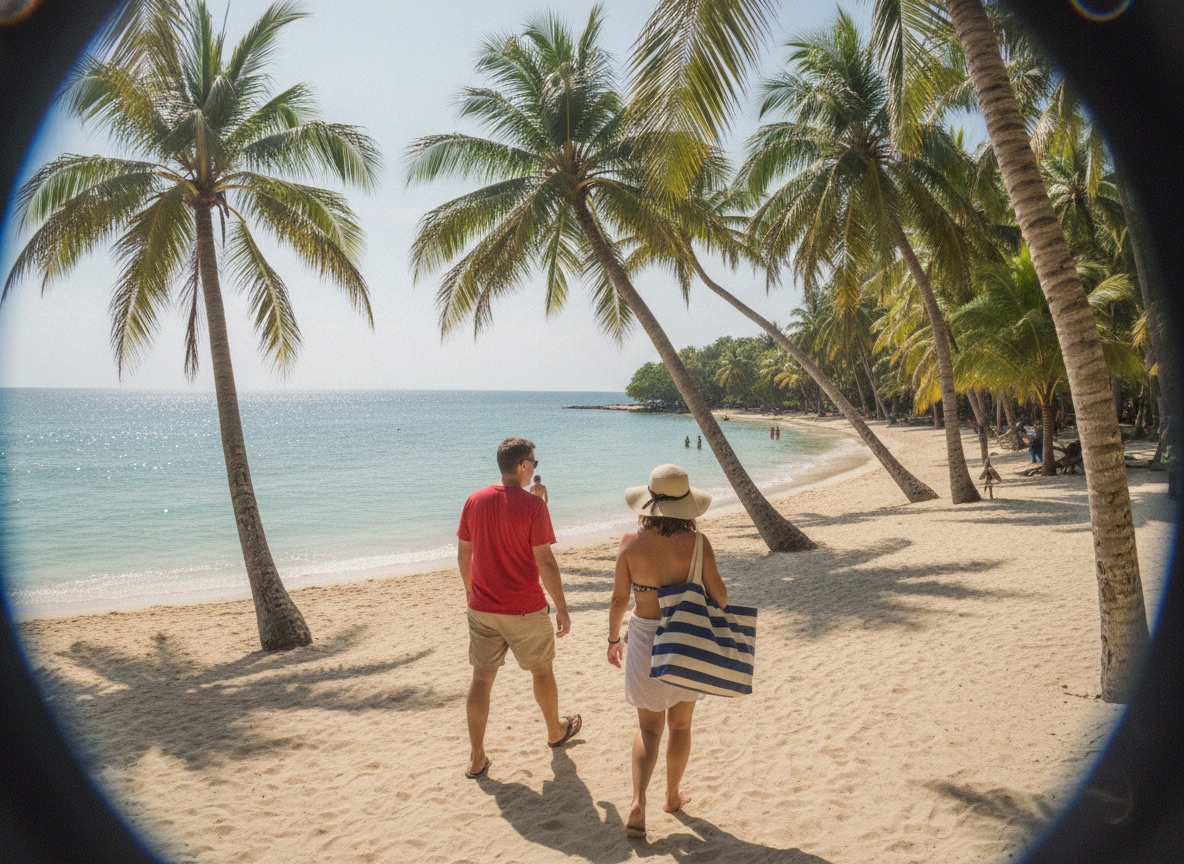
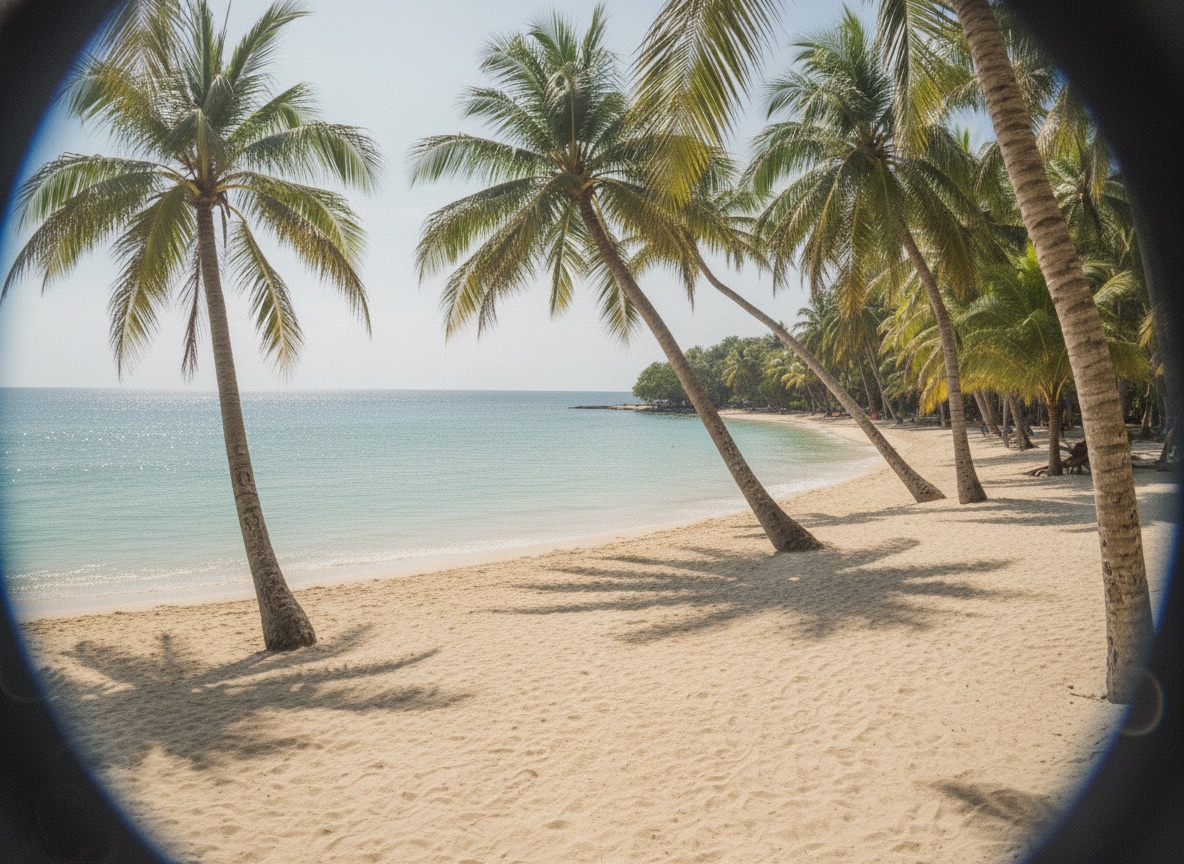
Remove Objects & People
Erase tourists, photobombers, and clutter from a beach shot — the sand and sky rebuild themselves behind them.


Plain Shot to Product Ad
Type "turn this into a refreshing cola ad" and a studio bottle becomes a splash scene with ice and lemons.
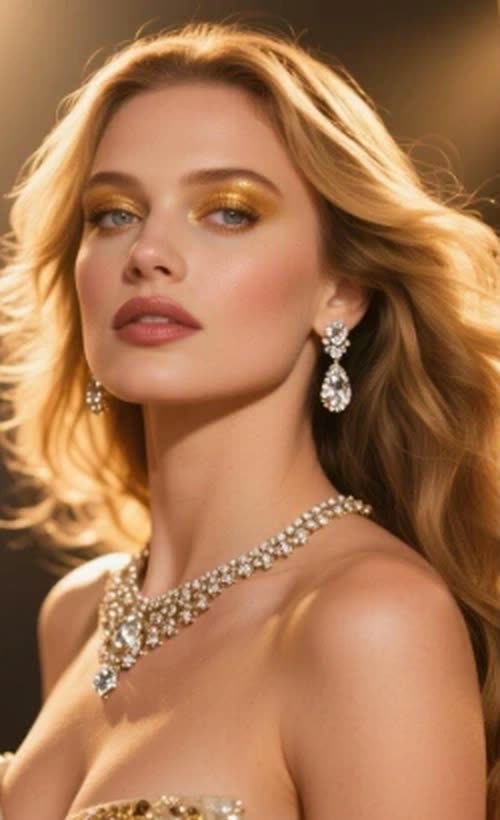
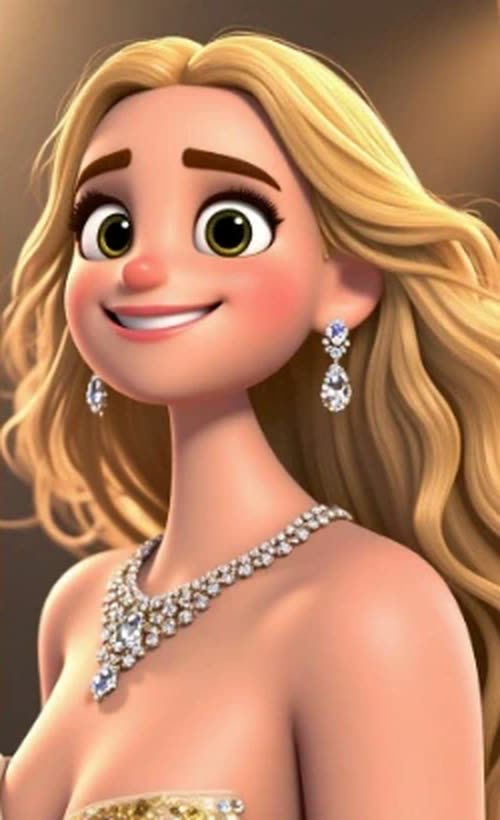
Photo to 3D Cartoon
Restyle a portrait into a 3D animated character — same pose, dress, and jewelry, new art direction.
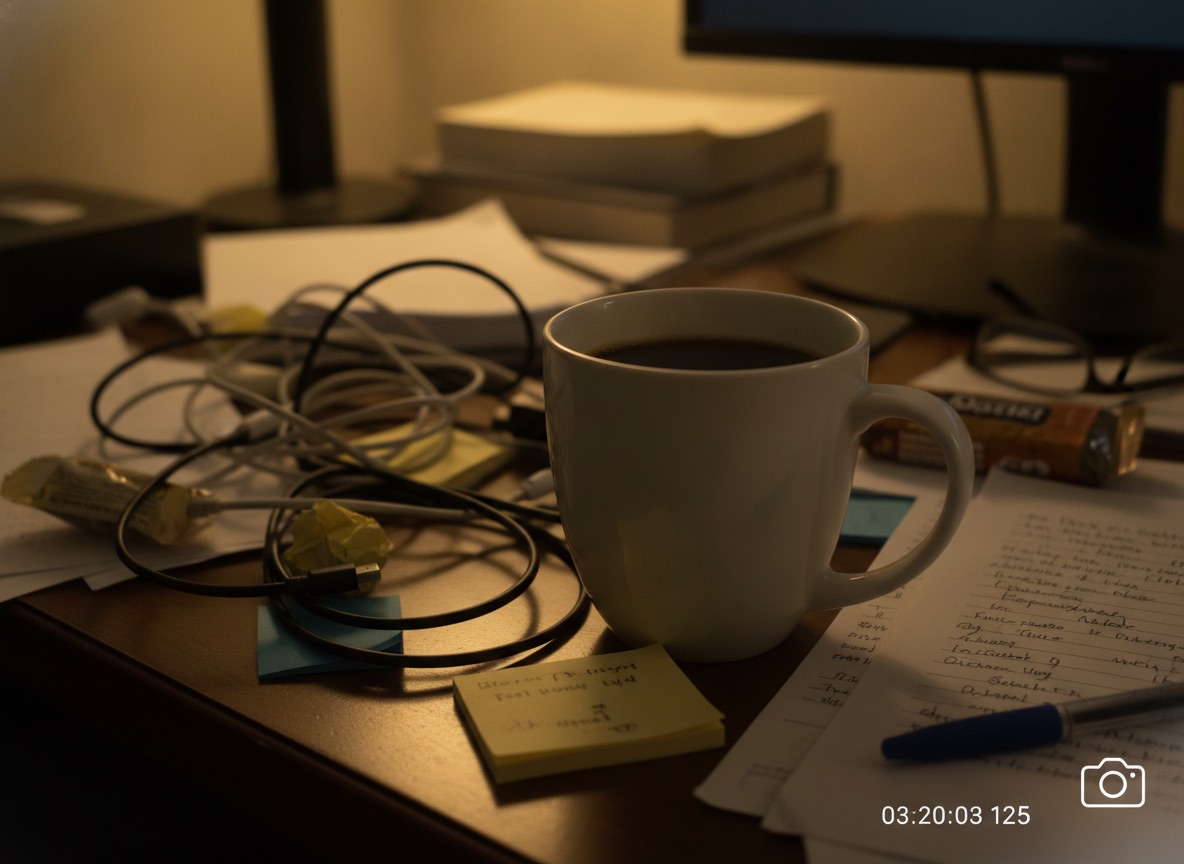
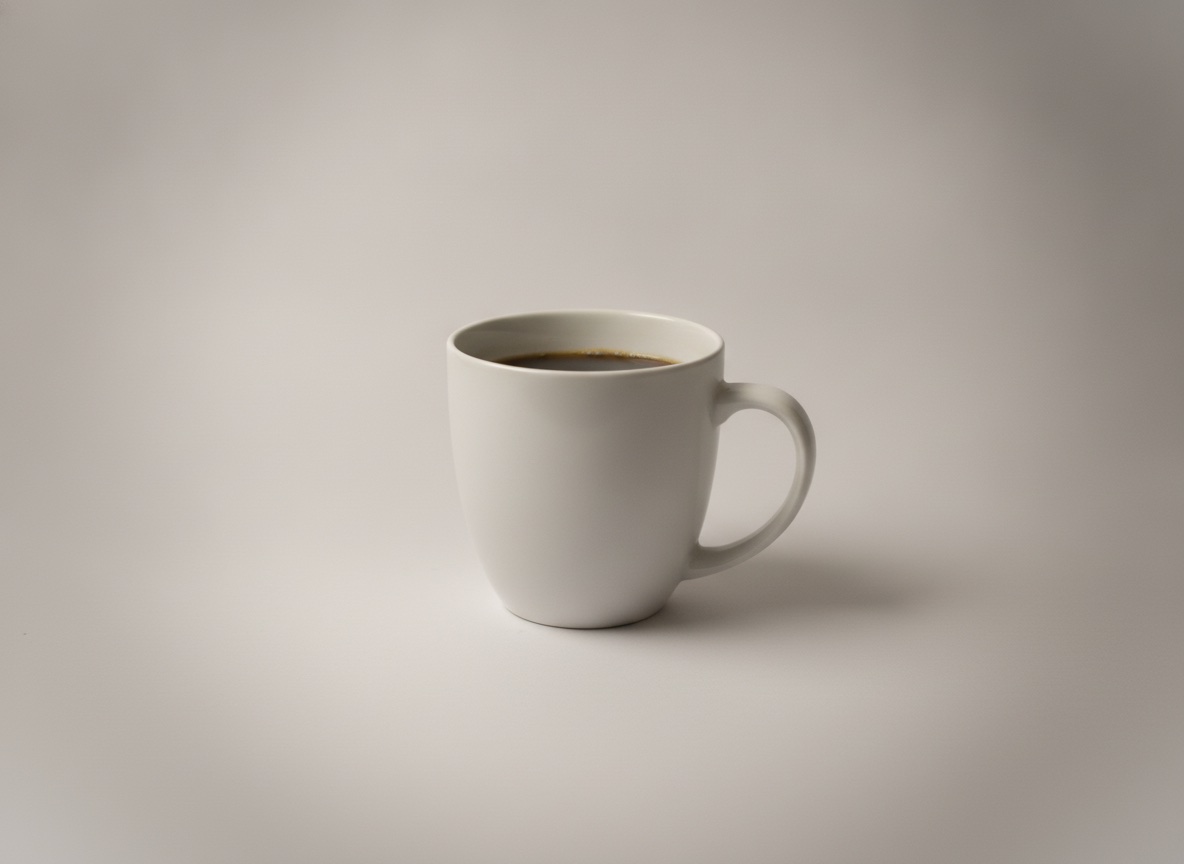
Studio Background Swap
Keep the product exactly as photographed while the cluttered desk becomes a clean studio backdrop.
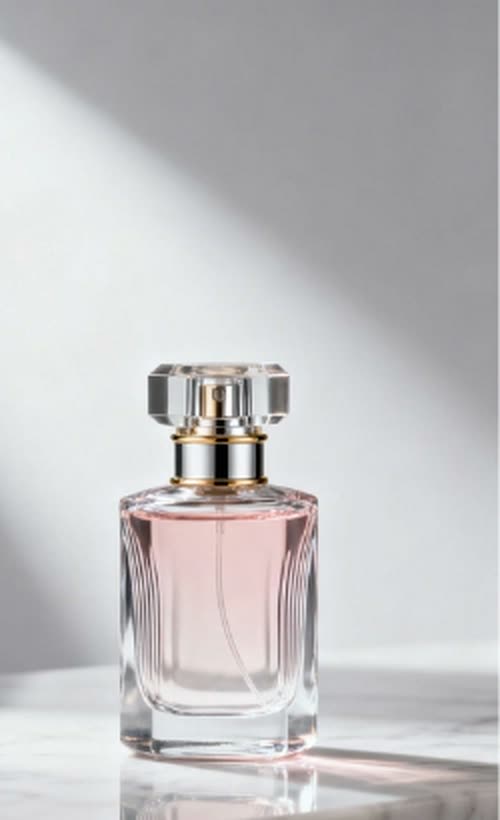

Background Color Change
Swap a neutral backdrop for a brand color with one sentence — the reflection follows the new tone.
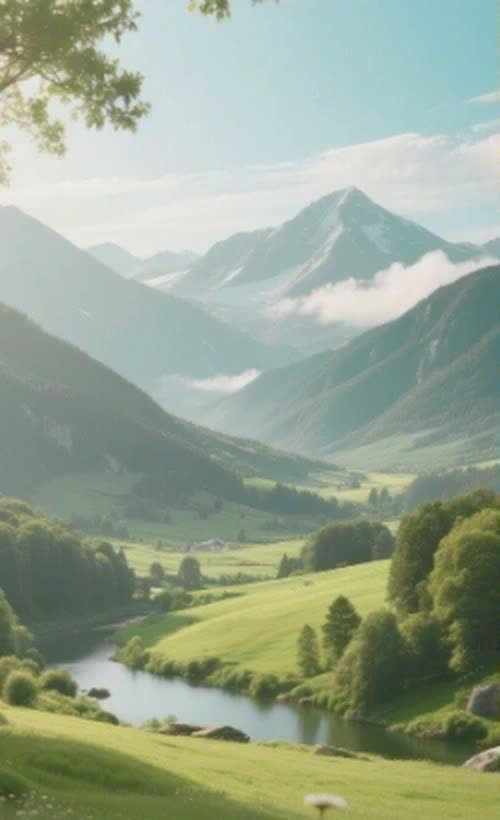
Dehaze & Enhance
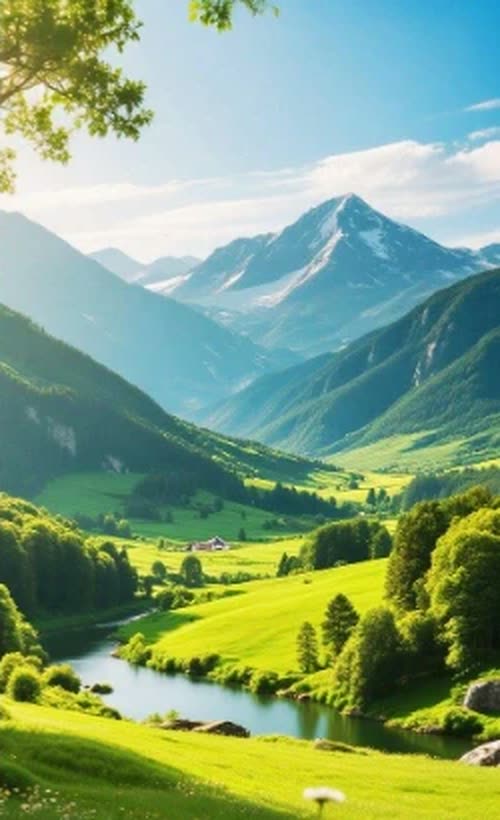
Cut through fog and flat light: the hazy landscape comes back with clear skies and saturated color.
Restore Old Photos
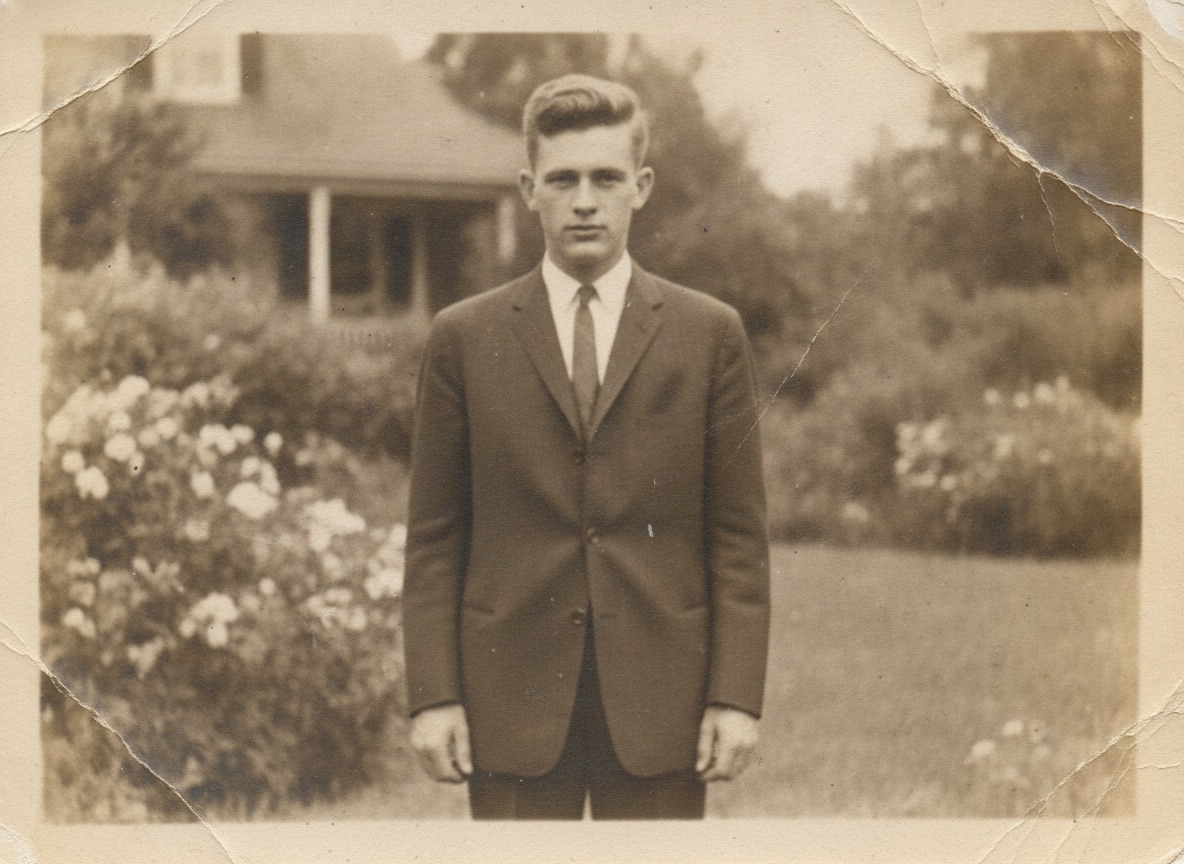
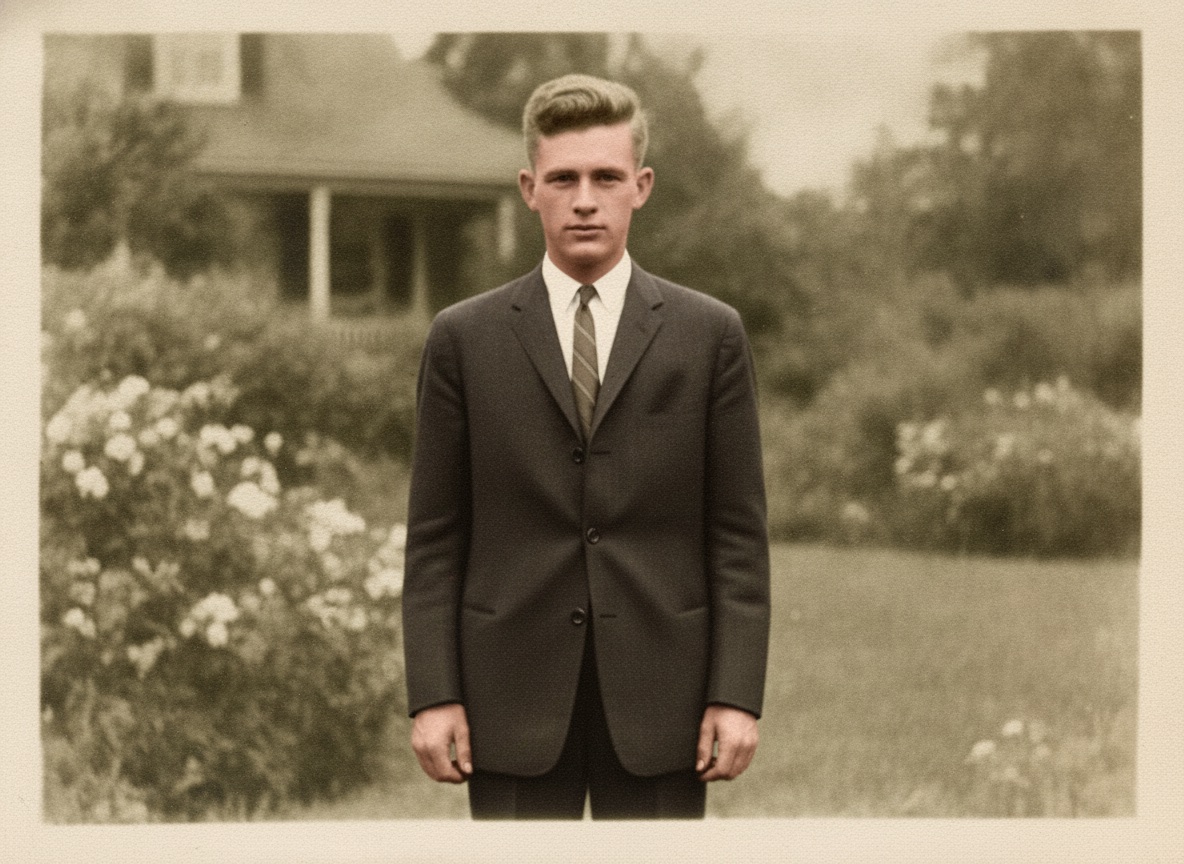
Repair scratches, creases, and fading in a scanned family snapshot while faces stay faithful to the original.
Lightning Fast
Advanced AI processing delivers stunning results in seconds
High Quality
Professional-grade image transformations with precision
Easy to Use
Intuitive interface designed for effortless creativity
Why Use This AI Photo Editor
Everything a manual editor does with brushes and masks — done by describing it, at one credit per edit.
Edit by Describing, Not by Selecting
Traditional editors make you trace masks, clone stamps, and feather edges pixel by pixel. Here you type the change you want in plain language. The AI understands the instruction, finds the region, and blends the edit into the surrounding light, texture, and perspective.
Object Removal That Rebuilds the Background
Removing something is easy — making the hole disappear is the hard part, and it is what this editor does best. Erase photobombers, power lines, trash, or an ex-partner, and the AI realistically reconstructs the sand, sky, pavement, or wall behind them so nothing shows they were there.
Background Swaps for Products and Portraits
Turn a messy phone shot into a clean e-commerce photo: keep your subject exactly as photographed while the clutter and background are replaced by a seamless studio backdrop with soft professional lighting. The same trick works for portraits, real estate, and profile pictures.
Restore, Repair, and Sharpen Old Photos
Scanned family photos come back to life. The editor repairs scratches, creases, stains, and fading while keeping faces faithful to the original, sharpens soft focus, and gently refreshes tones — a 1960s snapshot looks the way it did the day it was printed.
Works on Product Shots, Portraits, and Everything Between
Listings, headshots, travel photos, interiors, pets, cars — if you can photograph it, you can edit it. The model honors the details that matter in each: product labels stay legible, faces keep their identity, and straight lines stay straight.
Full Resolution, No Skills, No Subscription
Edited images download in full resolution and are yours to use anywhere — social media, marketplaces, client work. Pricing is simple one-time credit packs from $5, where one credit equals one edit. No recurring charge, no watermark on unlocked images.
How to Edit a Photo with AI
Upload, describe, download — three steps from original photo to finished edit.
Upload Your Photo
Drop in a JPG, PNG, or WEBP up to 24MB. For best results the subject should be in sharp focus and clearly visible — the AI can only edit what it can see. Phone photos, scans, and screenshots all work.
Describe the Edit or Pick a Style
Choose a preset — Remove Objects & People, Studio Background Swap, Restore & Enhance, or Golden Hour Relight — or type your own instruction, like "remove the background and make it a bright office" or "erase the cables on the table".
Download and Use Anywhere
The edit renders in seconds. Download the full-resolution image and use it anywhere — posts, listings, portfolios, print. Not perfect on the first try? Refine your wording and generate again; each run costs one credit.
AI Photo Editor FAQ
Edit Your First Photo with AI
Upload a photo, describe the change in one sentence, and download the result in seconds. Remove objects, swap backgrounds, restore old photos — start with free credits.